


Needing to retrieve accurate and comprehensive finance data in your SugarCRM? Integrate Sugar with Creditsafe Connector and enhance your CRM with up to date, trusted financial and contact data. Receive Creditsafe information straight into Sugar - financial data, company information, high level contacts including phone numbers and addresses.
User Guide
Install Creditsafe for SugarCRM and add your Sugar Dashlets within a few clicks.
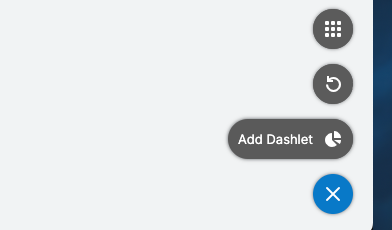
Go to the bottom right menu on your SugarCRM dashboard
Click “Add Dashlet”
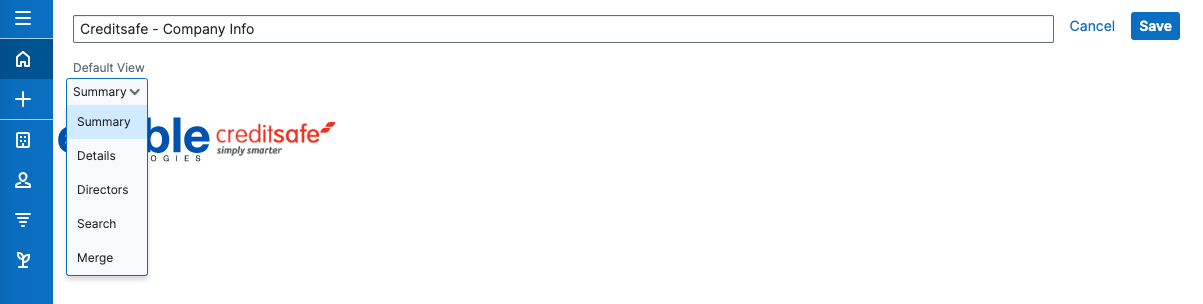
- Search or click "Credistafe - Company info"

- Choose the information you would like to see in advance
- When your dashlet appears on your dashboard, search for the relevant company with name or postcode

- Click select

- The buttons on the top right of the Credistafe dashlet allow you to alternate the information displayed, or search for different companies within the same dashlet.

- At the top of the dashlet there is a book icon that reads "Generate Report" when you hover over it.

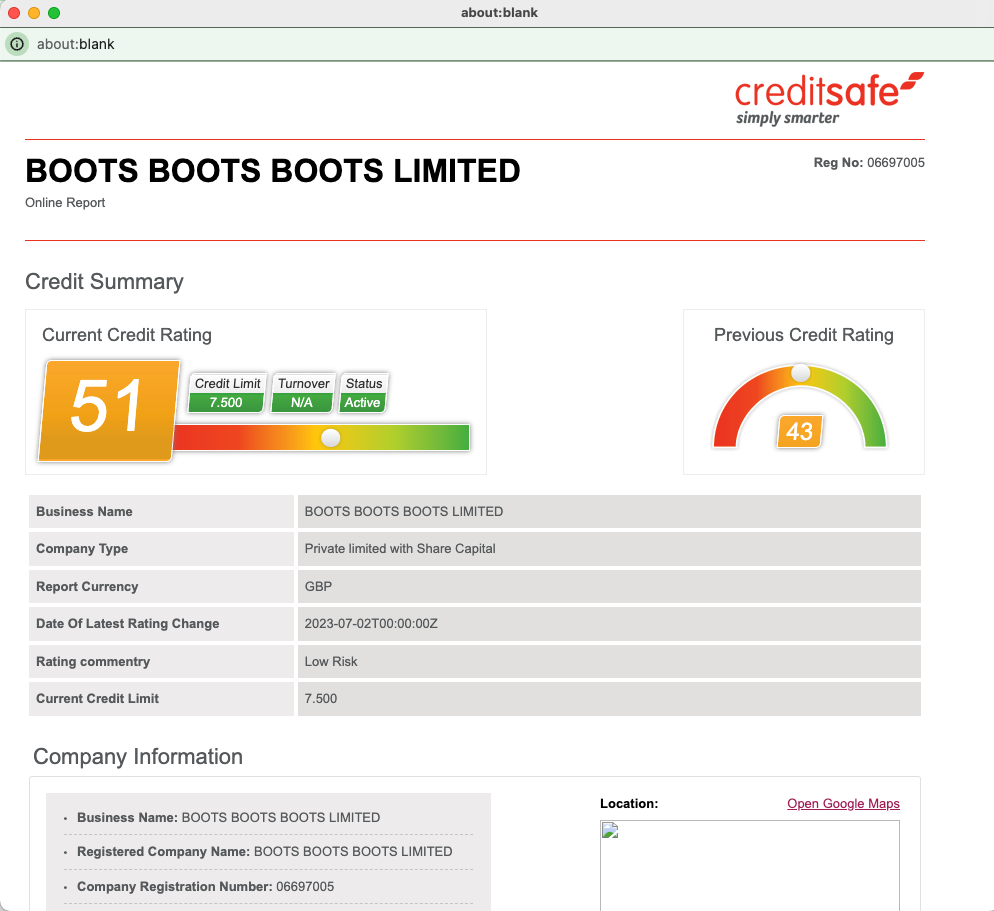
- This produces a document with extensive Credit information for the relevant company, including Directors, Activities and information on assets. To print this document, simply click File > Print > and change destination to > Save as PDF.
 Saving Comment...


