

SugarCRM Google reCAPTCHA Integration provides advanced bot protection by integrating Google reCAPTCHA (v2/v3) into core user-facing forms-Login, Reset Password, Portal Login, and Signup. This module helps prevent automated attacks, credential stuffing, and spam account creation by verifying that only real users can access or submit sensitive forms. Seamlessly integrated with SugarCRM's authentication system, it enhances security without disrupting the user experience.
Admin Guide
Configuration
- Navigate to the Admin panel, click on 'Content Security Policy Settings,' and configure the URL.

- successfully validate License a new link will appear next to License
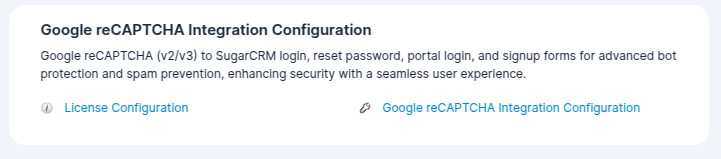
- click on this newly Appeared Link so show the Google reCAPTCHA Integration Configuration page.

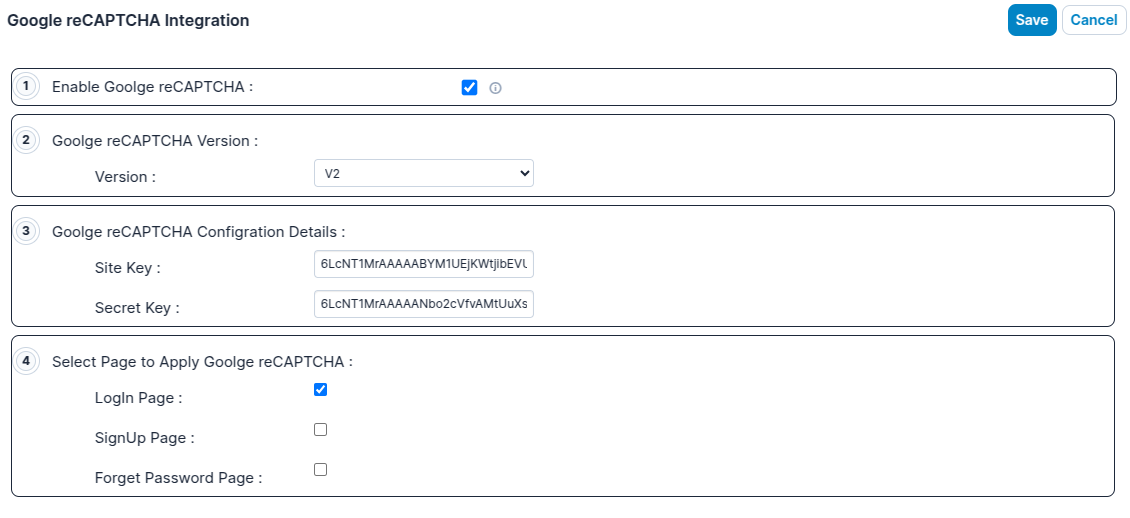
- Navigate to Admin > Configuration. First, enable the functionality, then set the site key and secret key, and finally select the page where you want to apply this functionality.
Functional Effects on the All form Page
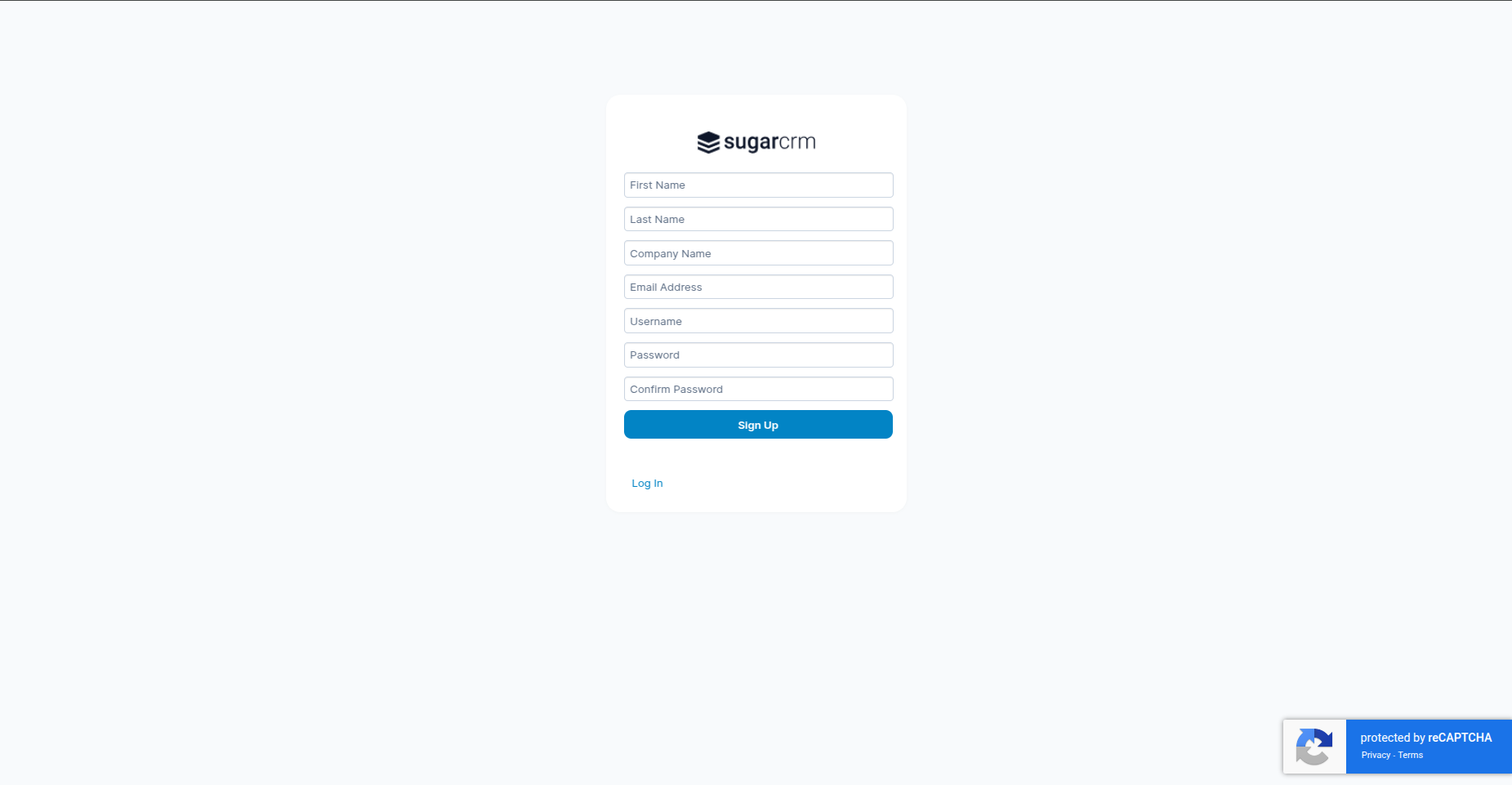
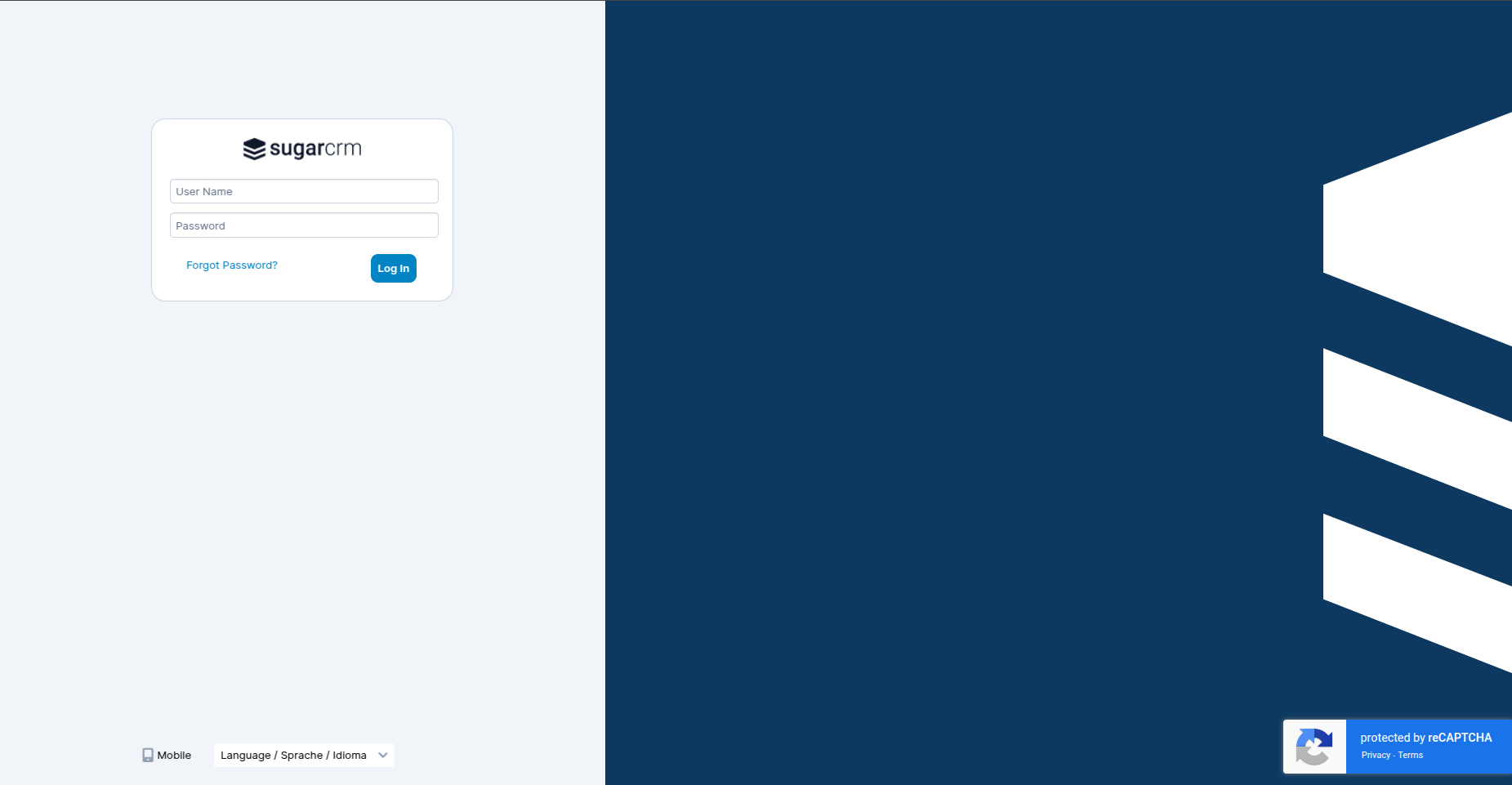
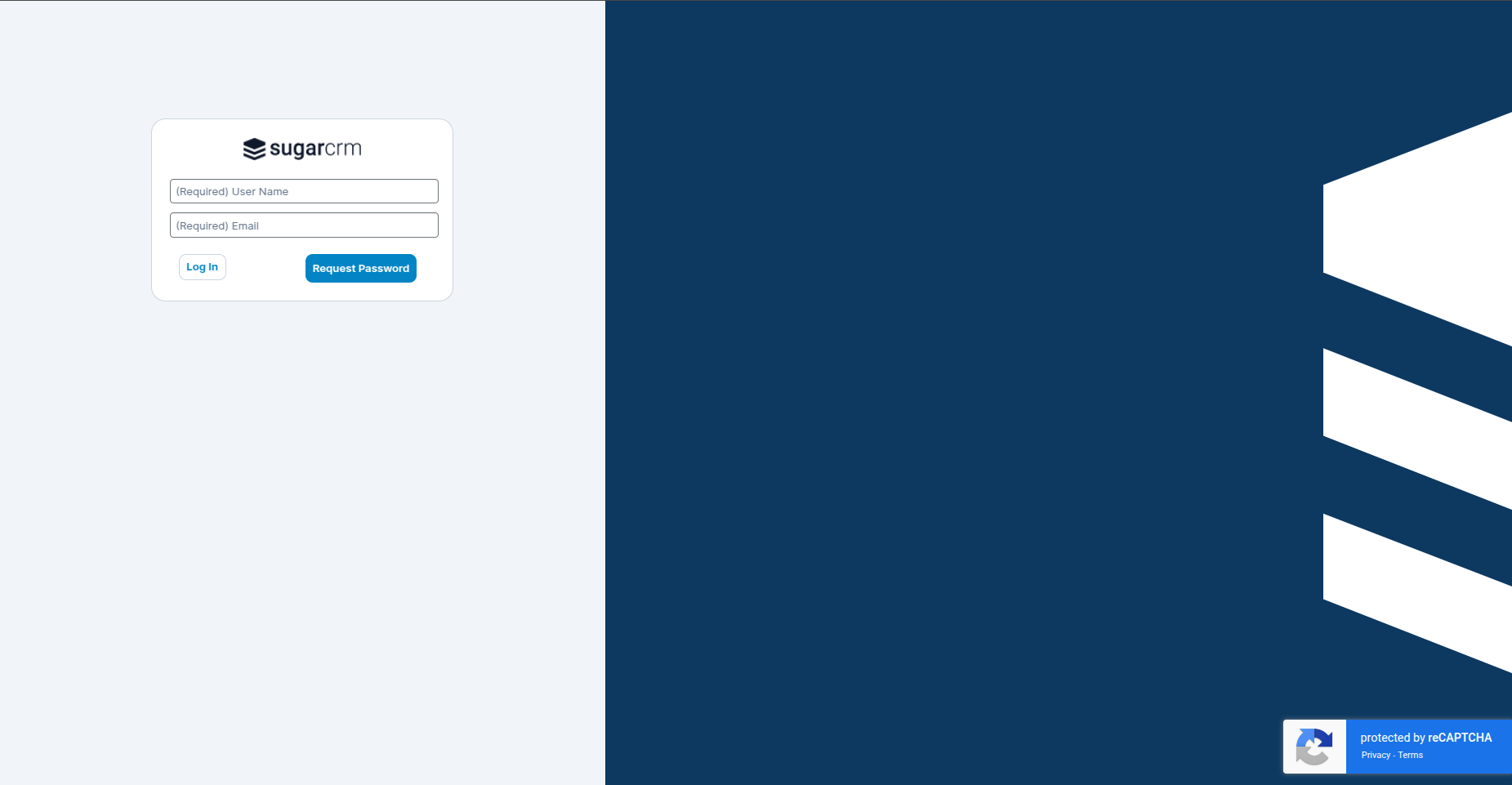
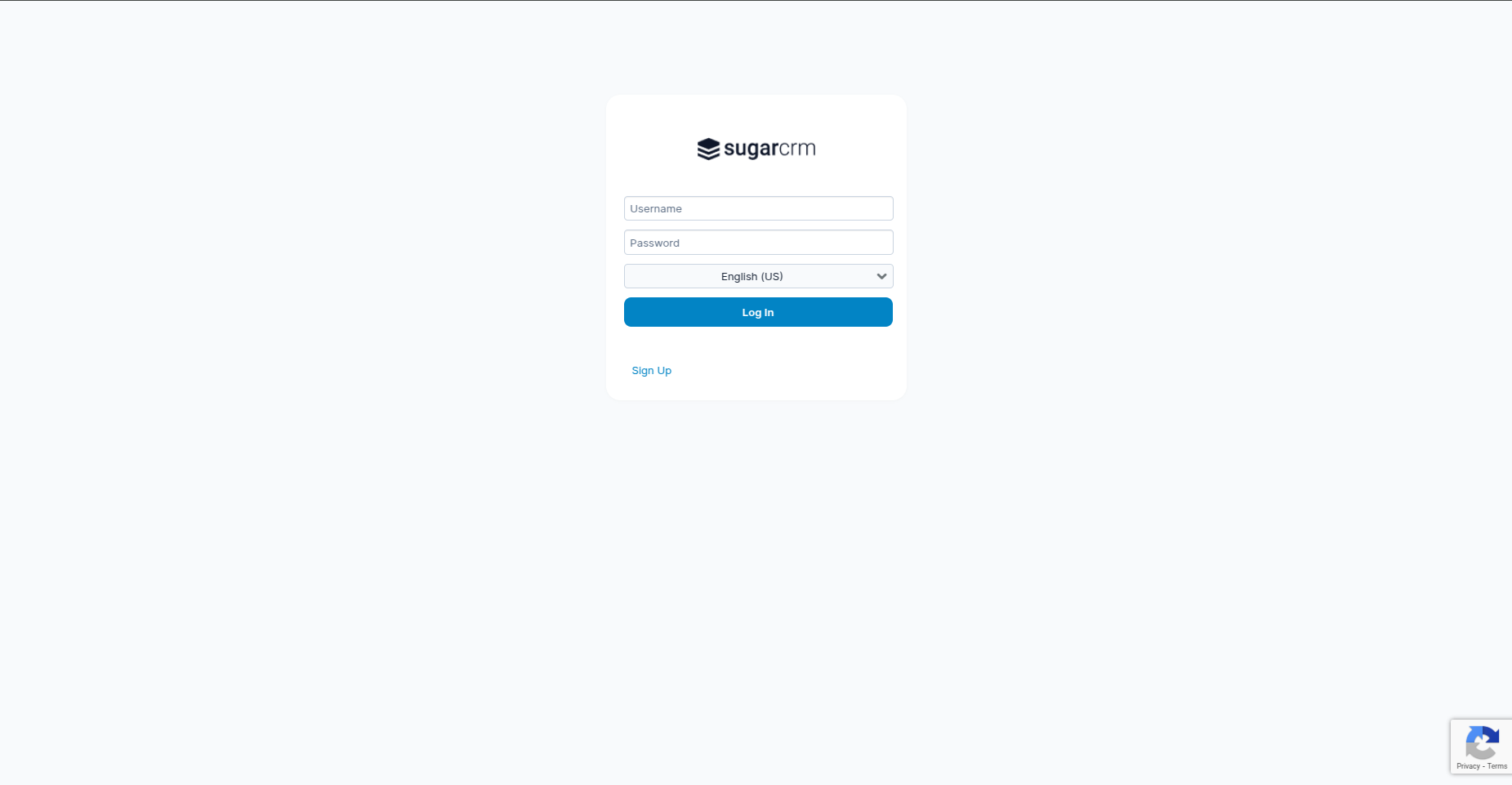
Google reCAPTCHA v2 is integrated with the Login, Portal Login, Forgot Password, and Portal Signup pages for enhanced security.

Google reCAPTCHA v3 is integrated with the Login, Portal Login, Forgot Password, and Portal Signup pages to provide seamless, invisible protection against bots and spam.
 Saving Comment...

